

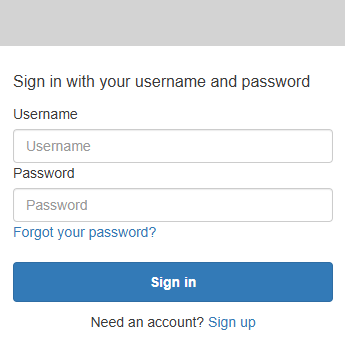
Enter Details
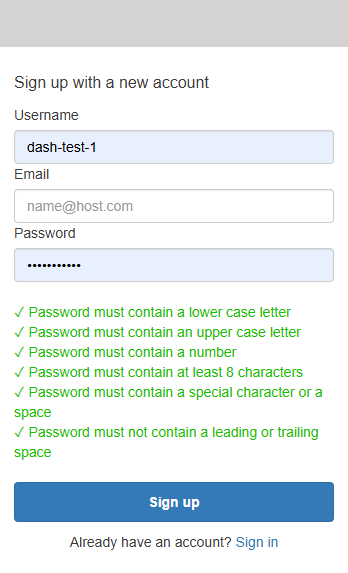
Follow prompts for Signing up
Confirm Account
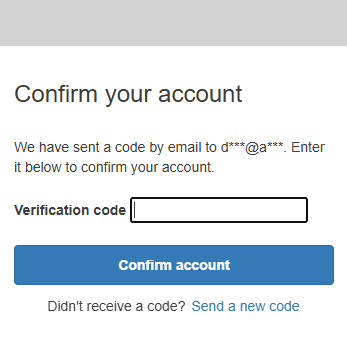
Enter Code from email sent
Enter Details
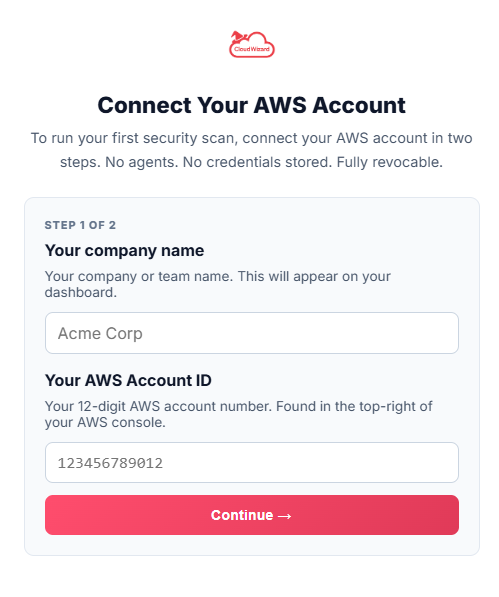
- Enter Your Company Name
- Enter your 12 digit AWS Account Number
Launch Cloud Formation Stack
IMPORTANT: You need to be logged into your AWS Console in another TAB before launching the stack
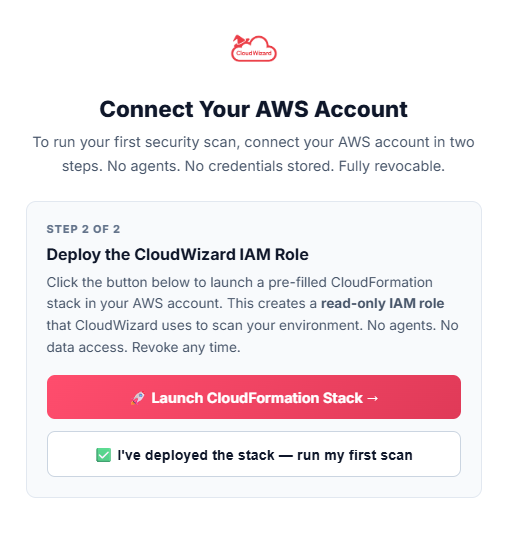
Launch CloudFormation Stack
Click and Launch
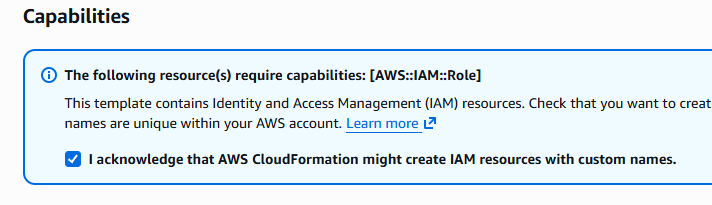
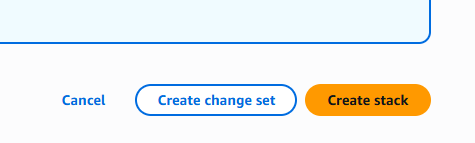
The ONLY details you need to complete are to tick the acknowledgment box and then to click the “Create stack” Button
Run Scan
Once Cloudformation Stack is deployed click on “I’ve deployed the stack – run my first scan”
Wait
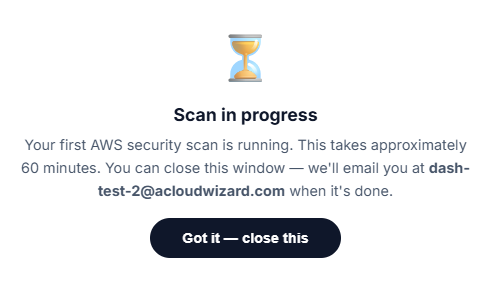
Wait for scan to finish. You will receive an email when this is done.
Testing
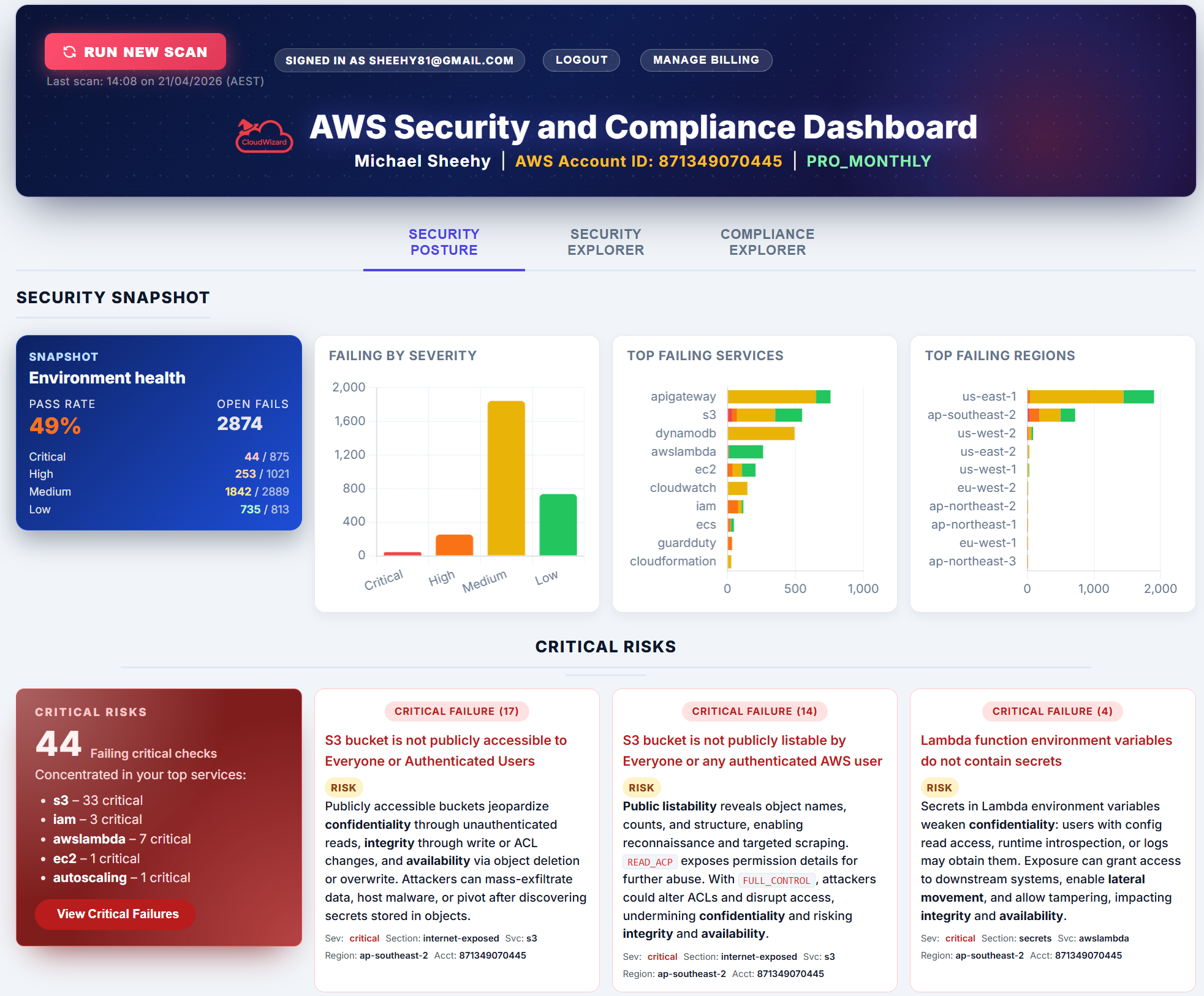
You should now have access to the free version of Cloud Wizard.
Please Check it out and give feedback!
If you want access to the PRO version which unlocks the real good stuff, “The Security Explorer” and the “Compliance Explorer” you can either.
-
Buy it. ☺
- Ask me nicely for access
Then finally, the important bit…Fill out the form below and submit.
I’ve been working non-stop on this for the past 3 months and honest feedback from people I trust means a lot — it genuinely helps me make it better and gives me the confidence to take it to market.
Even a few quick thoughts go a long way. Thank you.
Feedback Form