
AWS Security Explorer
pro version
AWS Security Explorer Pro is built for fast‑moving teams that need serious security without a huge security department. It continuously scans your accounts for risky settings, surfaces the patterns behind repeated issues, and shows your engineers exactly which resources to fix first, so you spend less time digging through consoles and more time actually hardening your environment.
Filters and Display
Sort Findings Instantly
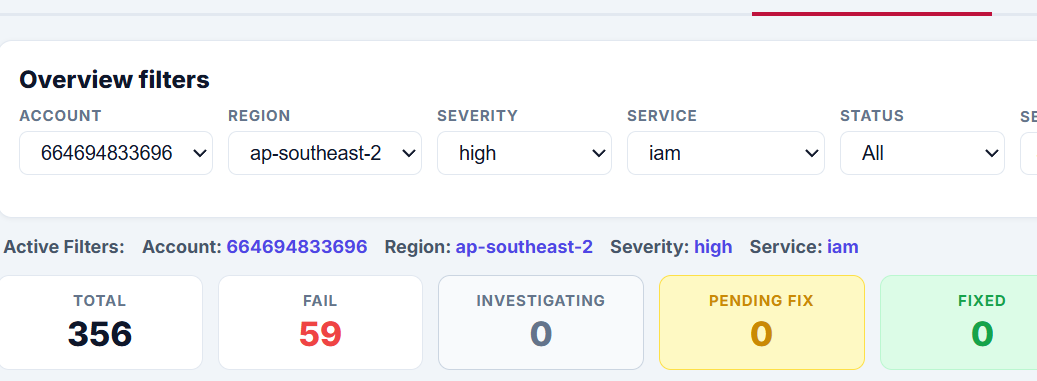
Quickly filter your AWS findings by account, region, severity, service, status, or keyword so you can focus on the issues that matter most.
Security Explorer transforms large volumes of raw AWS security findings into a clear, working view your team can use immediately. Instead of wasting time scanning long lists of checks, you can narrow the results to the exact account, service, or severity level you want to review, then see the current state of your environment in one place. With live summary counts for total findings, failures, fixes, passes, and manual checks, the dashboard helps you understand what is open, what is improving, and where attention is needed first.
Security Snapshot
See Your Security Posture Fast
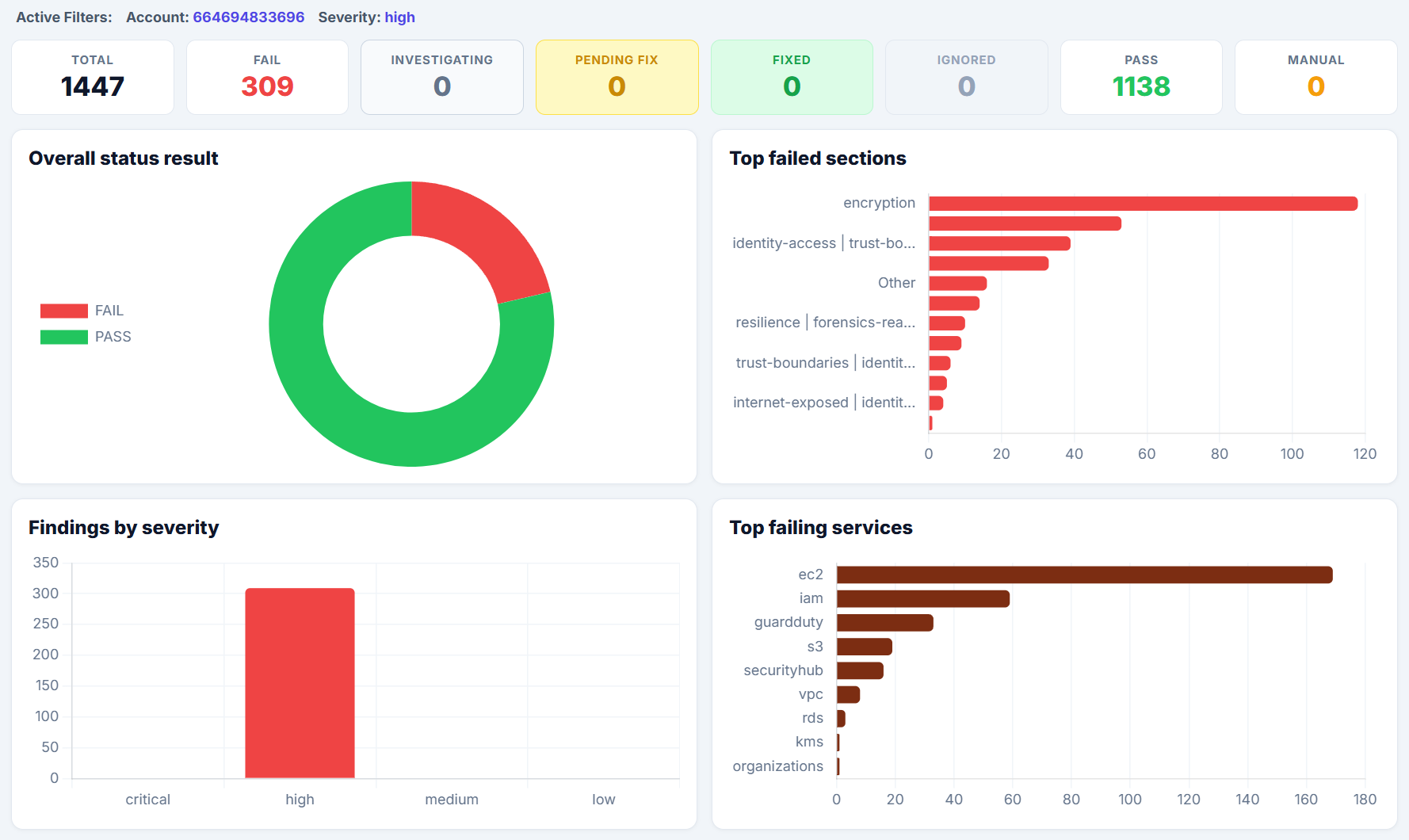
Get an instant visual summary of pass rates, failed sections, severity trends, and the AWS services generating the most findings.
Security Snapshot gives your team a fast, high-level view of AWS security posture without making you dig through detailed findings first. In one screen, you can quickly see your overall result mix, understand how findings are distributed across severity levels, identify the sections failing most often, and spot which AWS services are contributing the biggest share of risk.
That makes it easier to understand not just how much is failing, but also where the problems are concentrated. Instead of looking at individual findings in isolation, your team gets a broader picture of security performance across categories like encryption, logging, identity and access, and service-specific issues.
For busy founders, DevOps teams, and cloud engineers, this creates a much faster starting point for prioritisation. You can use the snapshot to see whether risk is concentrated in one area, whether failures are mostly medium or high severity, and whether certain services such as S3 or IAM are driving the majority of issues before drilling into the underlying findings.
Findings
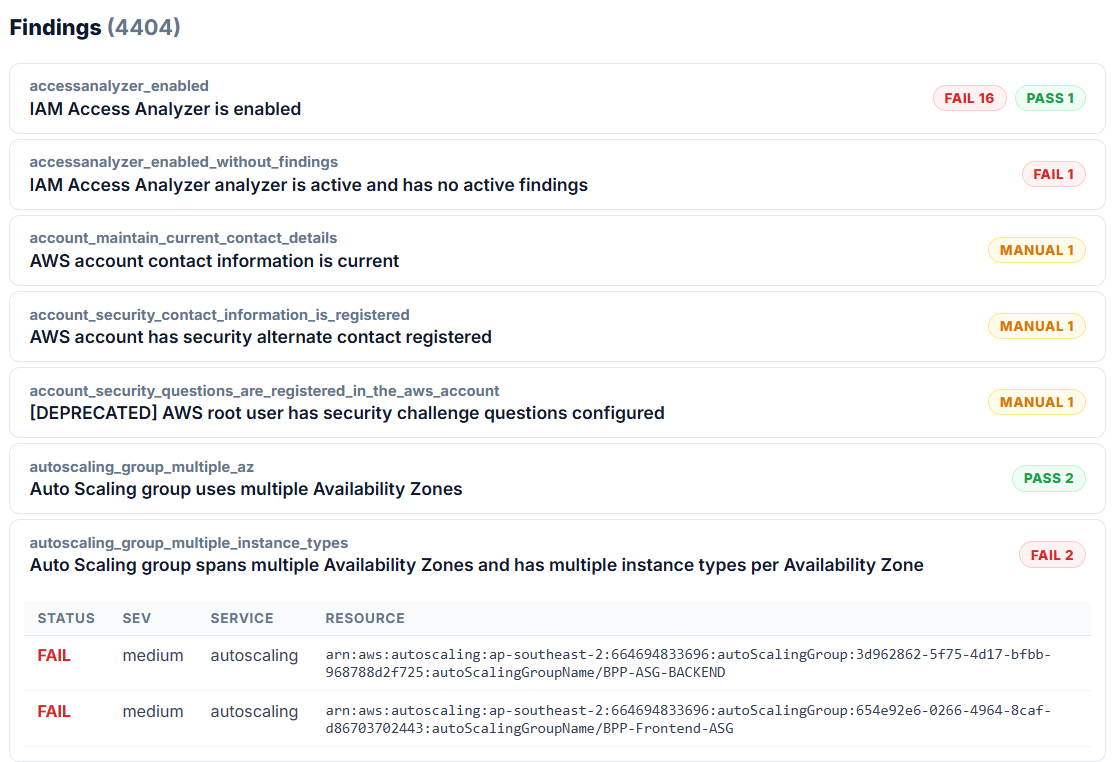
Turn Findings Into Answers
Turn raw AWS findings into a clean snapshot you can share with your team. Export high‑level results or walk stakeholders through the charts without opening the AWS console.
See your overall AWS security health at a glance. CloudWizard’s free Security Snapshot pulls together your pass rate, total open fails, and a breakdown by severity, service, and region so you can immediately see where you’re exposed. Use it to answer, in one screen, “How bad is it, and where do we start?”
Triage & Notes
Turn Findings Into Answers
Turn raw AWS findings into a clean snapshot you can share with your team. Export high‑level results or walk stakeholders through the charts without opening the AWS console.
See your overall AWS security health at a glance. CloudWizard’s free Security Snapshot pulls together your pass rate, total open fails, and a breakdown by severity, service, and region so you can immediately see where you’re exposed. Use it to answer, in one screen, “How bad is it, and where do we start?”
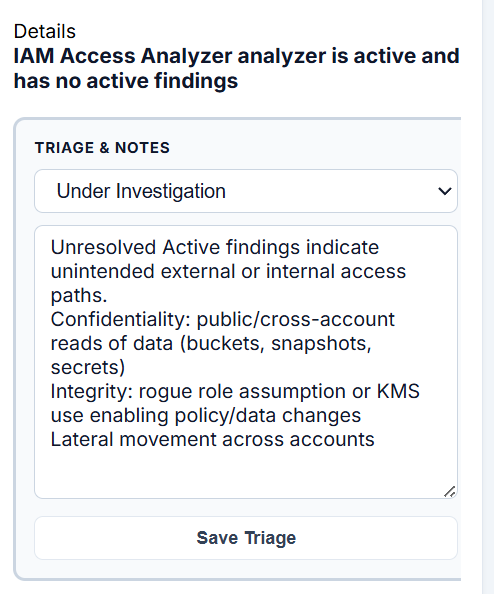
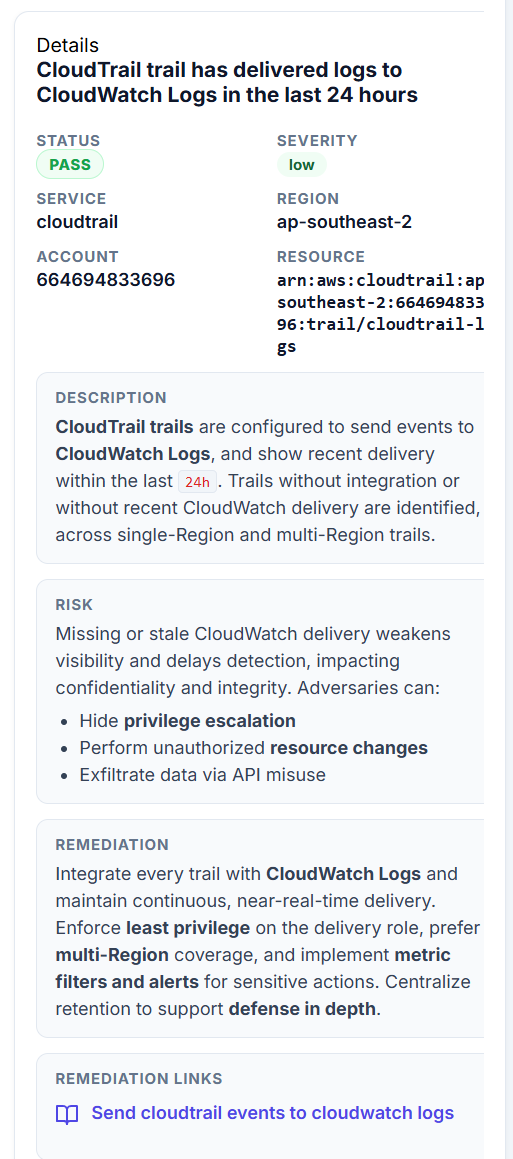
Details, Descriptions, Risks, Remediation, Remediation Links
Turn Findings Into Answers
Turn raw AWS findings into a clean snapshot you can share with your team. Export high‑level results or walk stakeholders through the charts without opening the AWS console.
See your overall AWS security health at a glance. CloudWizard’s free Security Snapshot pulls together your pass rate, total open fails, and a breakdown by severity, service, and region so you can immediately see where you’re exposed. Use it to answer, in one screen, “How bad is it, and where do we start?”